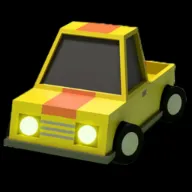



What's Crazy Drift game?
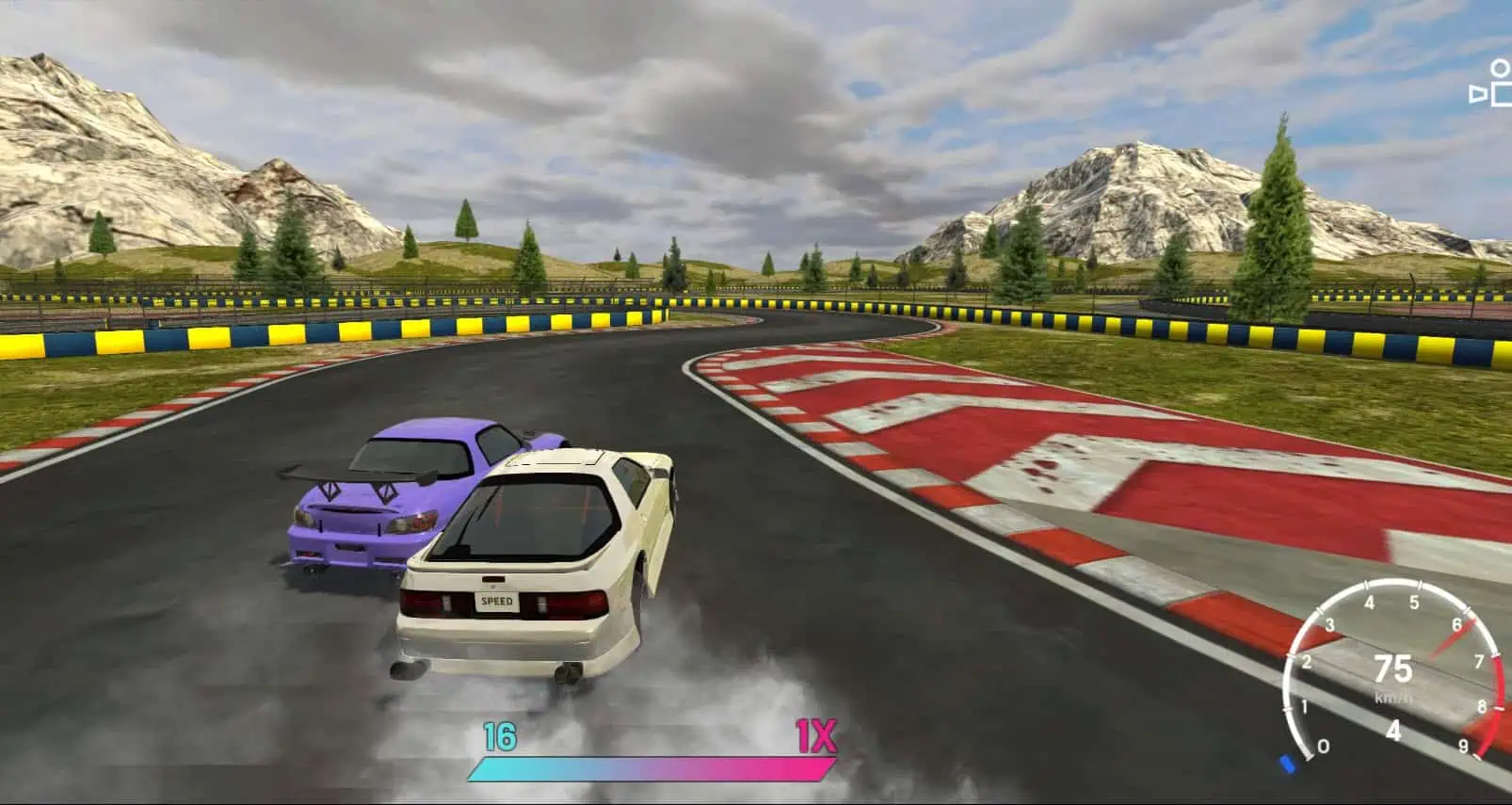
Crazy Drift sits in that sweet spot between a pick-up-and-play browser racer and a hobby you can keep peeling apart between meetings: you are handed a 3D car, a world full of tight corners, and a scoring loop that only cares whether your line looked intentional. The run starts simple—keep speed up, find an entry, keep the car sideways when the layout asks for it—then the game starts layering in extra toys: a garage to spend currency on, alternate venues that favor different bad habits, and an optional online layer for people who want a human rather than a ghost run to calibrate against.
Where Crazy Drift stands out in the everyday web catalog is the breadth of places you can use to practice the same idea. Tied lap routes reward patience and line memory; free-form playgrounds are where you can rehearse feints, transitions, and goofy long slides without a timer in your ear; dedicated stunt or technical layouts push timing and car placement when you are done cruising. None of that replaces the core job—carry momentum without falling apart—but it does give you a reason to stay after you have “already learned the buttons.”
There is a friendly arcade contract here: the tires do not read like a laboratory simulator, and the camera will not drown you in telemetry. Instead you get a readable slide, a punchy sense of weight transfer, and visual feedback that tells you when you are carrying too much entry speed for the rubber you have left. Crazy Drift wants you in flow first; precision arrives once you are willing to name what went wrong. Economic hooks—buying a fresh body, nudging paint, chasing a cleaner spec sheet for bragging rights—turn repeated sessions into a small progression thread instead of a single afternoon novelty.
On Drift Boss Unblocked you can launch the build directly from the player, no install step, and run through a control setup that is fully mapped to a keyboard. The sections that follow line up the default hotkeys (including camera and convenience keys), a three-step habit path from “I can go sideways” to “I can do it on purpose,” deeper notes on modes and economy, and a practical FAQ. Treat every reset as a single, honest test: are you reading the next corner, or are you only apologizing to the last one? That mindset is the fastest path to a run that does not just look like Crazy Drift—it feels like your lap.
How to Play Crazy Drift
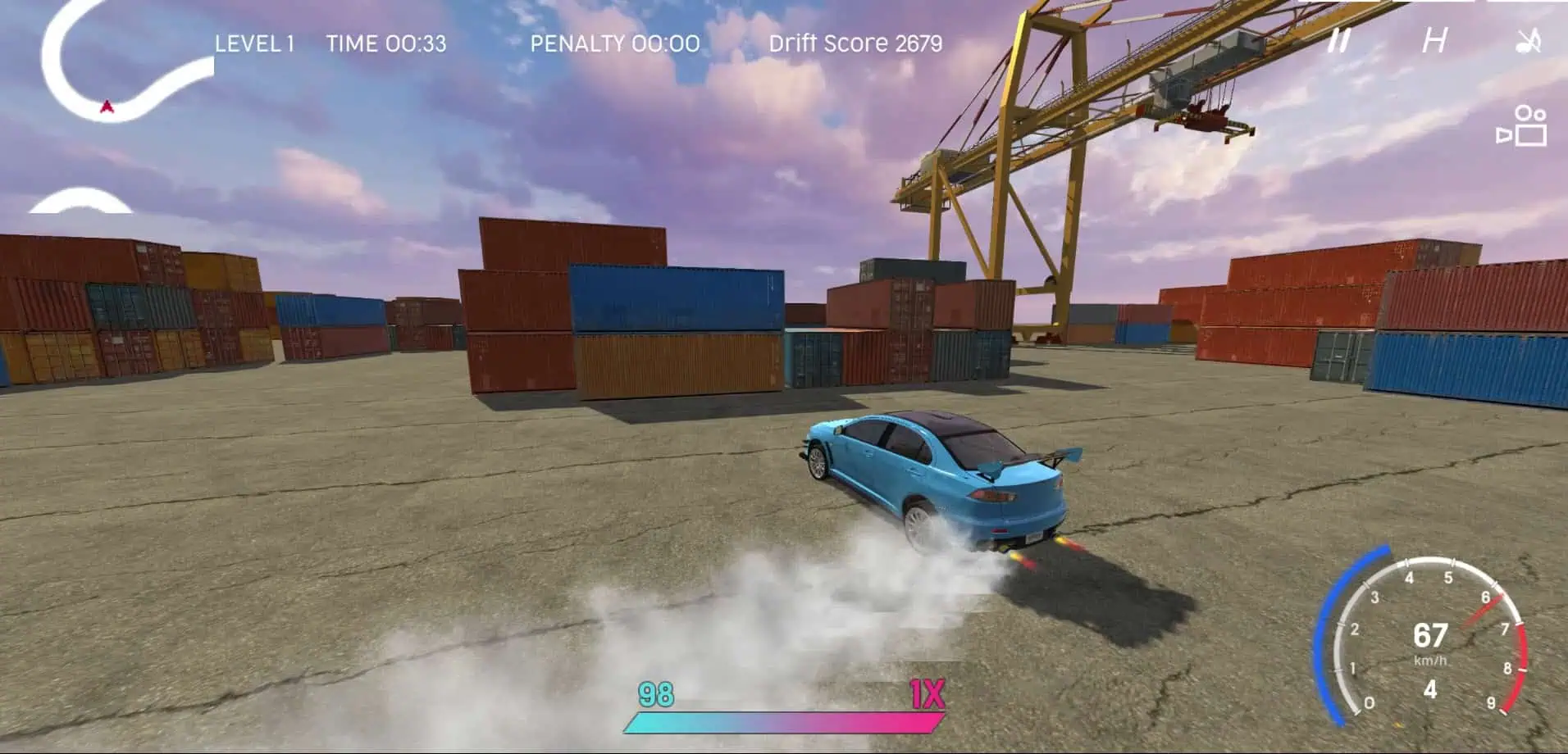
1. Map the default driving stack before you chase a style score in Crazy Drift
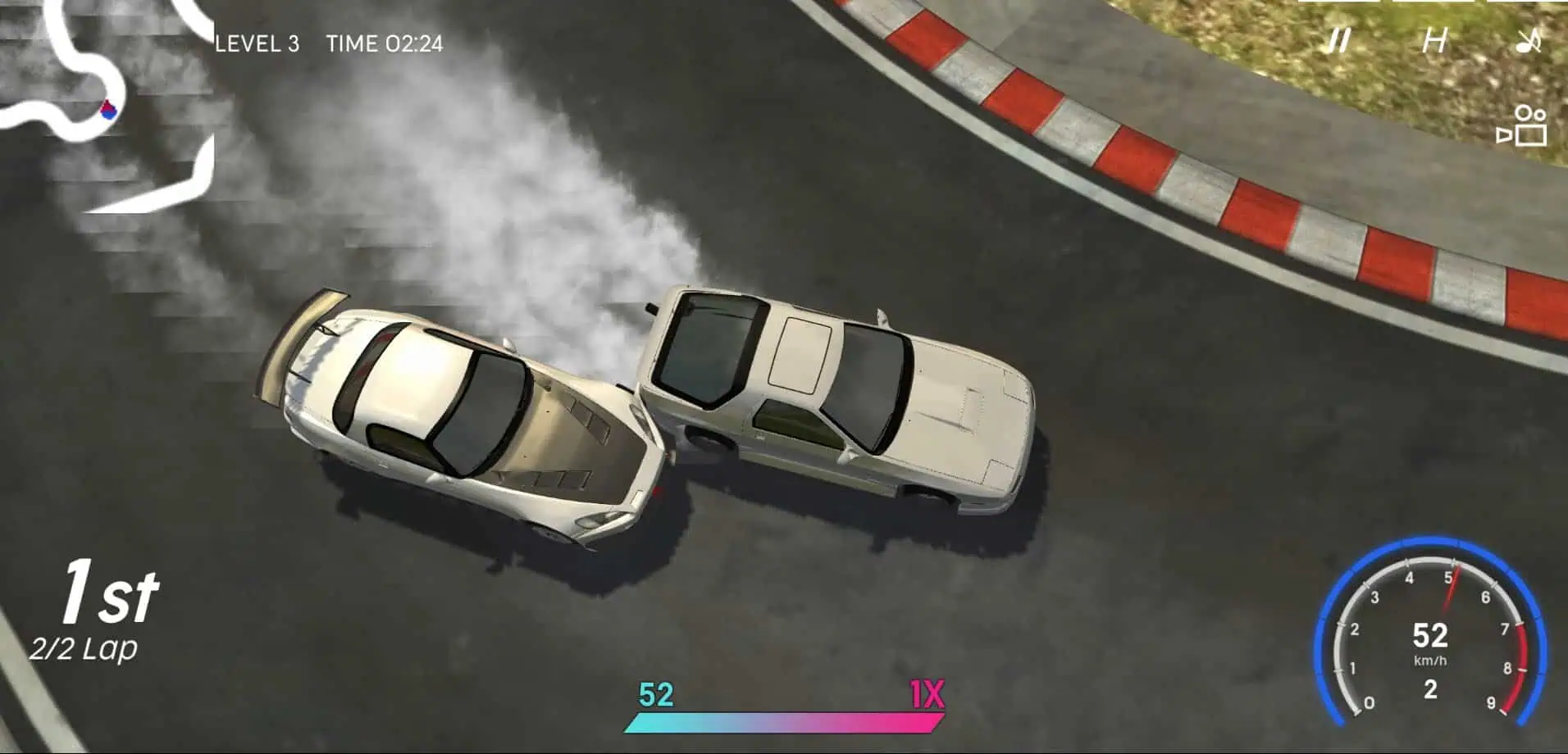
2. Let score, credits, and car choice reinforce good habits, not one lucky flick
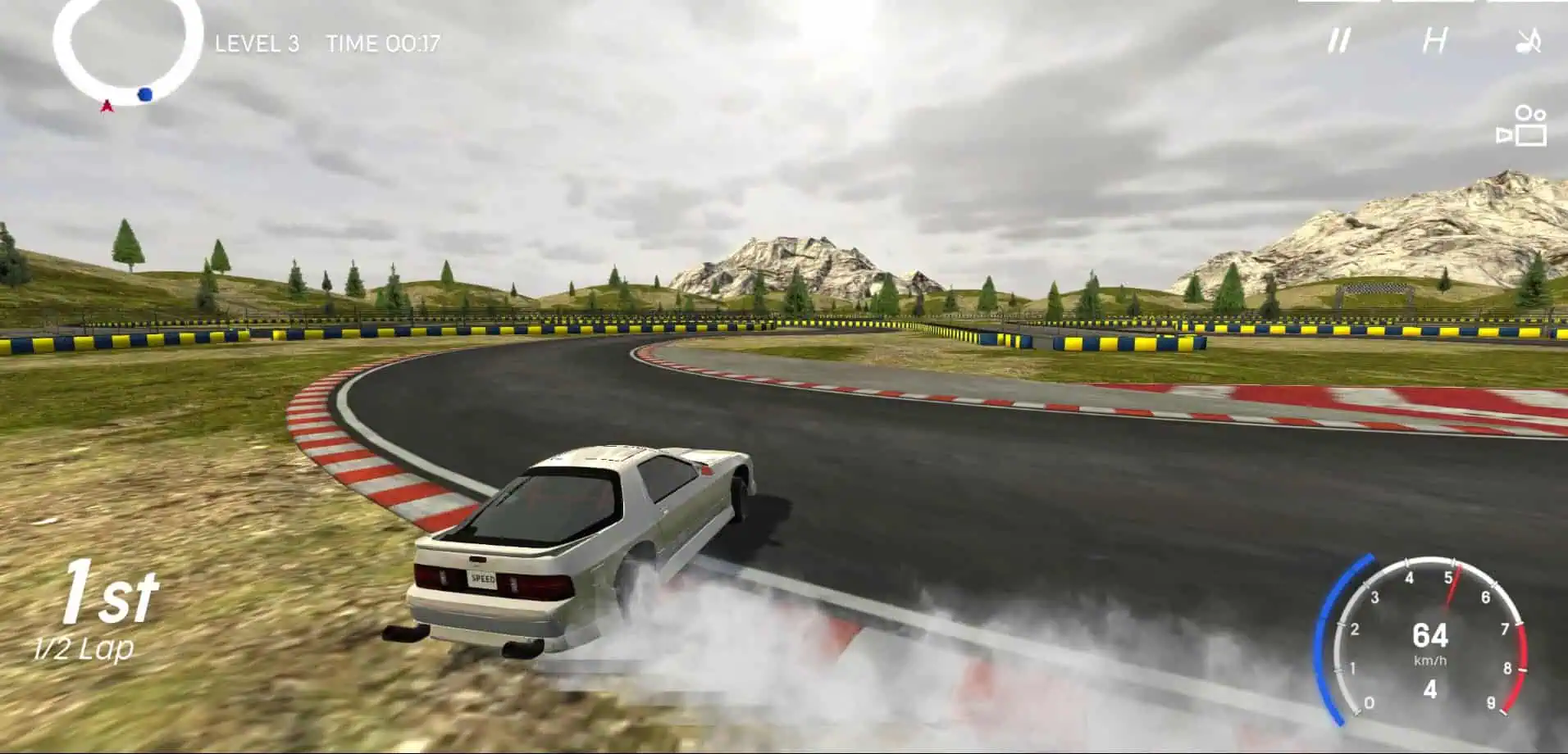
3. Play the venue, not the fantasy in your head
What you are really practicing when you play Crazy Drift
Most people arrive looking for a stylish slide; the version of Crazy Drift you load here wants that too, but it is honest about the supporting skills. Throttle resolution matters as much as steering angle: a tiny lift can save a long corner where a yank of the handbrake would have parked you on the wall. The game rewards momentum management—knowing when to add bite, when to let the car settle, and when to use the camera to re-establish a horizon line you can actually trust. That is why a session on an empty playground can be more useful than a feverish race against the clock. You are training calm hands at the limit, not a single viral clip.
Arcade-styled handling here means the slip angle window is a little wider than a strict simulation, and small mistakes are recoverable as long as you are not compounding them. That is not a license to ignore the basics; it is a teaching tool. You can clip a barrier without a harsh score tax in many builds, which nudges you to experiment, but the fastest runs still look smooth because the driver is ahead of the car, not flailing to catch it. The moment you start treating the slide as a rhythm instrument instead of a panicked wiggle, the score and credit economy begin to make sense. You are not “grinding points”; you are collecting proof of cleaner segments.
Modes, environments, and how they change the lesson
Track-based scenarios give you a narrative loop: a starting line, a set piece of turns, a finish, and a reason to run the same minutes until your hands memorize the kinks. Crazy Drift benefits from that structure when you are still calibrating brake points and when you are stress-testing a new car in an environment you already know. Playground or open layouts flip the focus: the clock may matter less, so you can isolate one technique on repeat—clutching a transition, nudging countersteer without sawing, or using nitrous as punctuation instead of a panic button. Stunt-oriented strips ask for spatial awareness, accurate launch timing, and the willingness to reset without ego when a landing is ugly.
Different backdrops are not just wallpaper. Industrial yards reward rubbing-friendly walls and tight sightlines, while high-speed ribbon sections with generous runoff let you make larger mistakes and still keep rolling. A mountain-style backdrop might tempt you to carry more speed; treat that temptation as a test, not a dare. The thread across every mode is the same: pick a read point for the next corner, decide on entry, execute, then debrief the exit before you are already in the next bend. That habit transfers everywhere, and it is what makes Crazy Drift an easy return tab rather than a one-time novelty.
Performance, quality settings, and keeping the feel crisp in-browser
Because this is a 3D title streaming inside the page, frame pacing is part of the difficulty stack. If the picture stutters, you will read slides late and your muscle memory will lie to you. Favor a steady frame first: close heavy background tabs, pause other downloads, and, when the in-game options allow, drop shadow quality or effects before you give up on resolution. Input lag is another subtle enemy. Click to focus the canvas before a serious attempt, and avoid running the session on a nearly dead battery on laptops where the OS throttles aggressively.
On the visual side, a cleaner image helps you read surface changes and the silhouette of a corner far enough ahead to plan. Crazy Drift uses detailed car art and a readable world scale; use that clarity to your advantage. Snap through camera angles when you are learning a layout, then pick one lens and lock it for timed runs so your brain is not re-solving geometry every time the frame moves. The goal is a predictable pipeline from eyes to hands—anything that introduces surprise latency or noisy motion is worth fixing before you blame the virtual tires.
Where to go next on Drift Boss Unblocked when you want a different drift problem
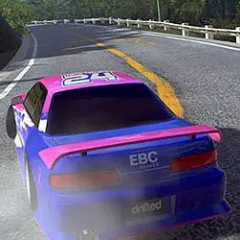
If you have enjoyed the 3D loop here and want to compare a heavier grip model, our Drift Hunters page is a good contrast: it keeps the long-session hobby mindset while nudging you toward a more weight-aware line. If you are in the mood for a minimalist timing puzzle instead of a full key map, Drift Boss 2 shrinks the controls down to a one-axis rhythm and asks you to win on read quality alone. Crazy Drift sits in the middle for many players—enough car to feel like a car, enough forgiveness to make progress in an evening, and just enough room in the economy to make your next run feel a little more personal than the one before it.
FAQs about Crazy Drift
You can play Crazy Drift unblocked online on https://driftbossunblocked.com/games/crazy-drift/.